
refer to:
https://www.linode.com/docs/guides/secure-ssh-access-with-2fa/
https://ubuntu.com/tutorials/configure-ssh-2fa#2-installing-and-configuring-required-packages
1. apt install libpam-google-authenticator
2. 为 /etc/pam.d/sshd 增加:
auth required pam_google_authenticator.so
3. sudo systemctl restart sshd.service
4. 修改..
/etc/ssh/sshd_config
ChallengeResponseAuthentication yes
KbdInteractiveAuthentication yes
5. 命令行中,$ google-authenticator
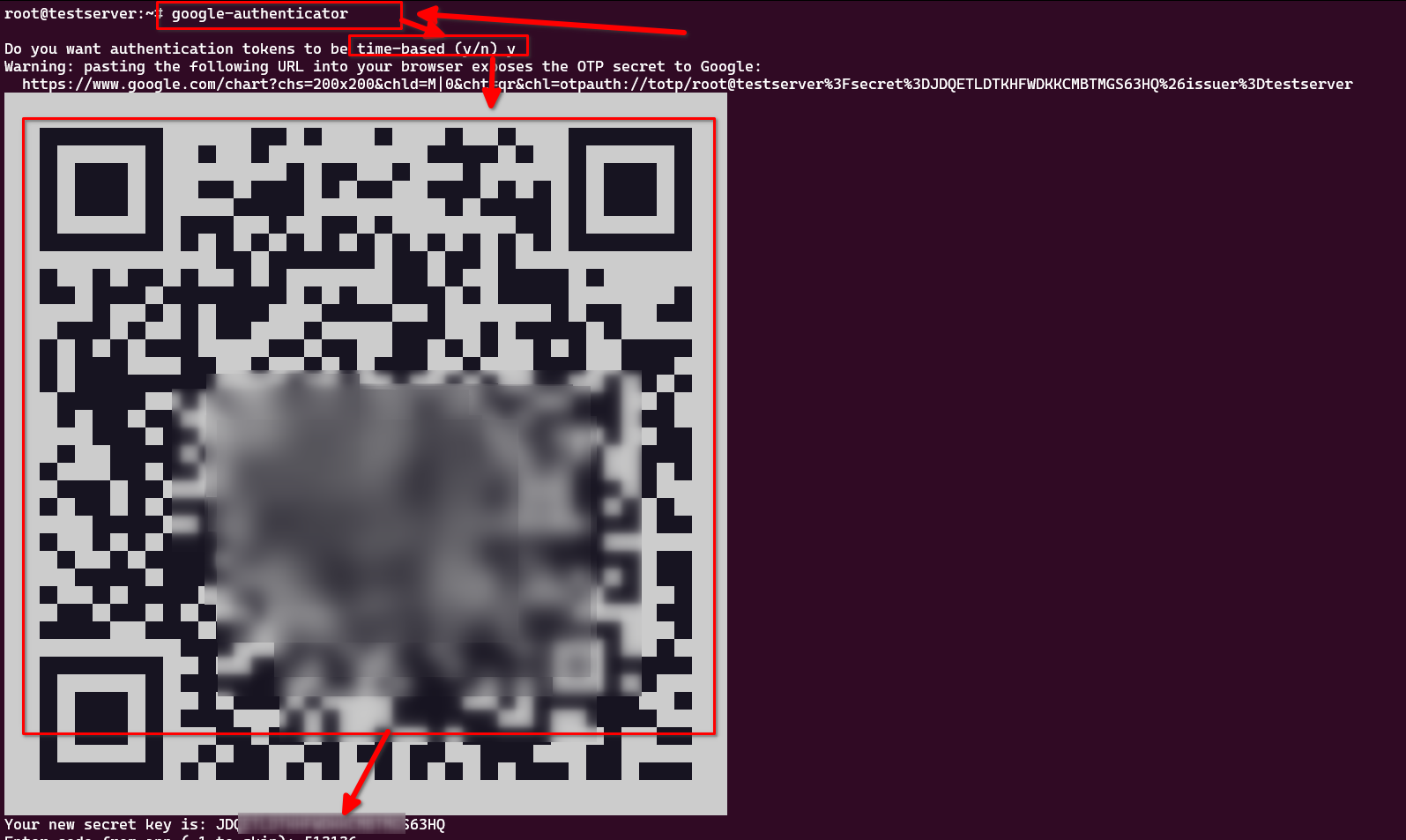
接下来,一系列内容,最好配置一下(是否允许多个token, 例如往前30秒,往后90秒。。。,每30秒用户可以尝试多少token )
Your new secret key is: JDQETLDTKHFWDKKCMBT???????
Enter code from app (-1 to skip): 513136
Code confirmed
Your emergency scratch codes are:
  846???08
  717???98

Do you want me to update your "/root/.google_authenticator" file? (y/n) y  选择y

Do you want to disallow multiple uses of the same authentication
token? This restricts you to one login about every 30s, but it increases
your chances to notice or even prevent man-in-the-middle attacks (y/n) y   选择 y

By default, a new token is generated every 30 seconds by the mobile app.
In order to compensate for possible time-skew between the client and the server,
we allow an extra token before and after the current time. This allows for a
time skew of up to 30 seconds between authentication server and client. If you
experience problems with poor time synchronization, you can increase the window
from its default size of 3 permitted codes (one previous code, the current
code, the next code) to 17 permitted codes (the 8 previous codes, the current
code, and the 8 next codes). This will permit for a time skew of up to 4 minutes
between client and server.
Do you want to do so? (y/n) n  选择N,不要。 我们是年轻人,30秒反应时间足够了

If the computer that you are logging into isn't hardened against brute-force
login attempts, you can enable rate-limiting for the authentication module.
By default, this limits attackers to no more than 3 login attempts every 30s.
Do you want to enable rate-limiting? (y/n) y  选择 Y
以上情况, 就会出现 先输入密码,在输入2FA的登录过程。
对于使用pubkey登录的用户。